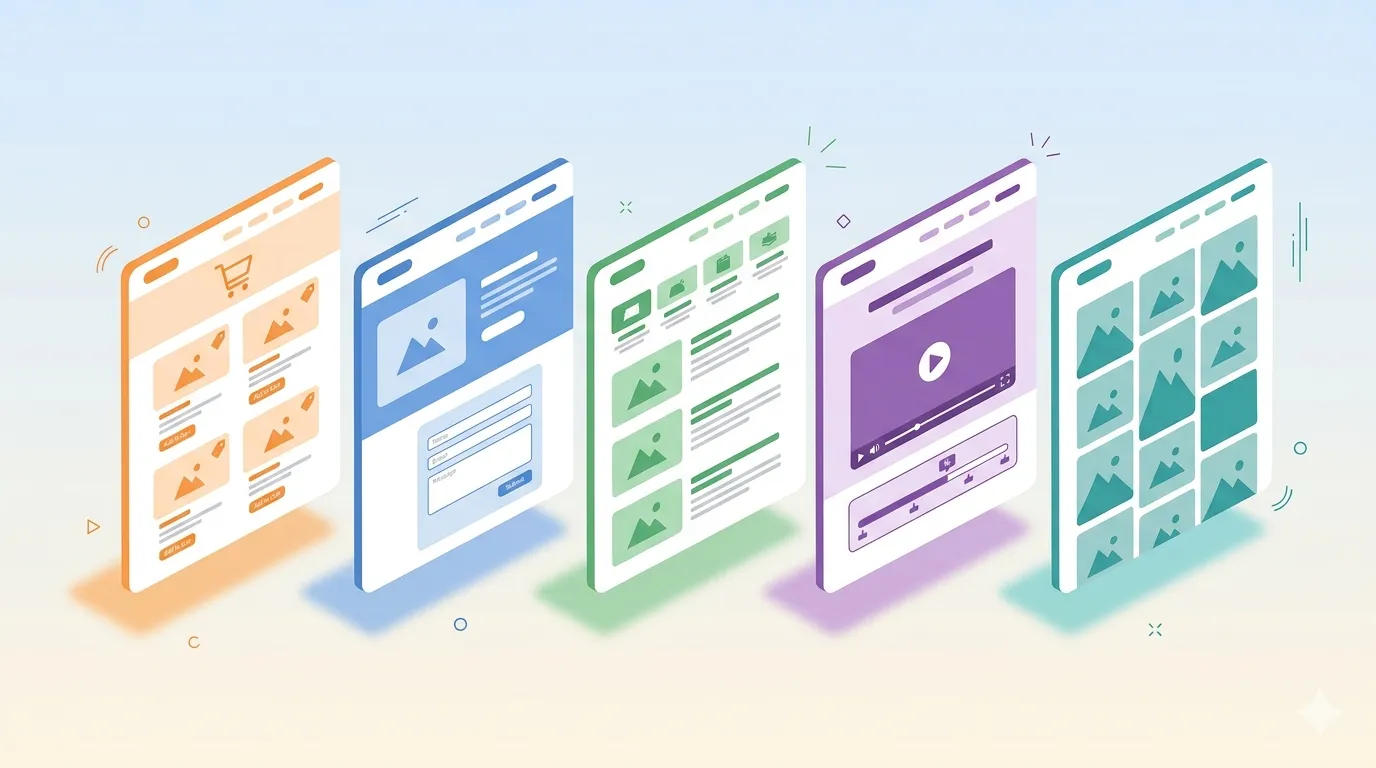
Not all websites are the same. An online store has different goals than a business card site, and a blog works completely differently from a portfolio. If you don't recognize this from the start, the result will be a page that looks good but doesn't do its job.
Let's look at five popular website types, their main goals, and design challenges — with real examples.
1. Online Store (E-commerce)
The goal is one thing — sell the product. Everything else is secondary.
This means two elements are critically important: how you present the product and how the purchase process looks.
Product Presentation
The visitor needs to see the product from every angle — different viewpoints, colors, sizes, the product in use. The best online stores carefully plan product photography: whether the background is white, whether the product is shown on a person, whether all variants are visible.
For example, shoe brand Allbirds immediately shows shoes on people in real situations. You don't think about specifications — you imagine yourself in those shoes.
The Purchase Process
This is where the money is. If the checkout is confusing, slow, or doesn't inspire trust — people leave at the very last step.
Good practice — split the process into several steps. For example, Shopify's standard checkout first asks for an email, then the address, and only at the end the payment details. Why? Because even if someone abandons the purchase, their email is already saved — and the store can send a reminder.
Key Takeaways
- Product photography is as important as the product itself.
- Checkout must be simple, secure, and trustworthy-looking.
- Every unnecessary step in the purchase process = lost customers.
2. Business and Marketing Website
This is the most popular website type in the world. Every company needs a website — even if they don't sell anything online. People will Google you — either to find out who you are or to find contact information.
The goal here isn't direct selling. The goal is to build trust and tell your story.
Design Challenges
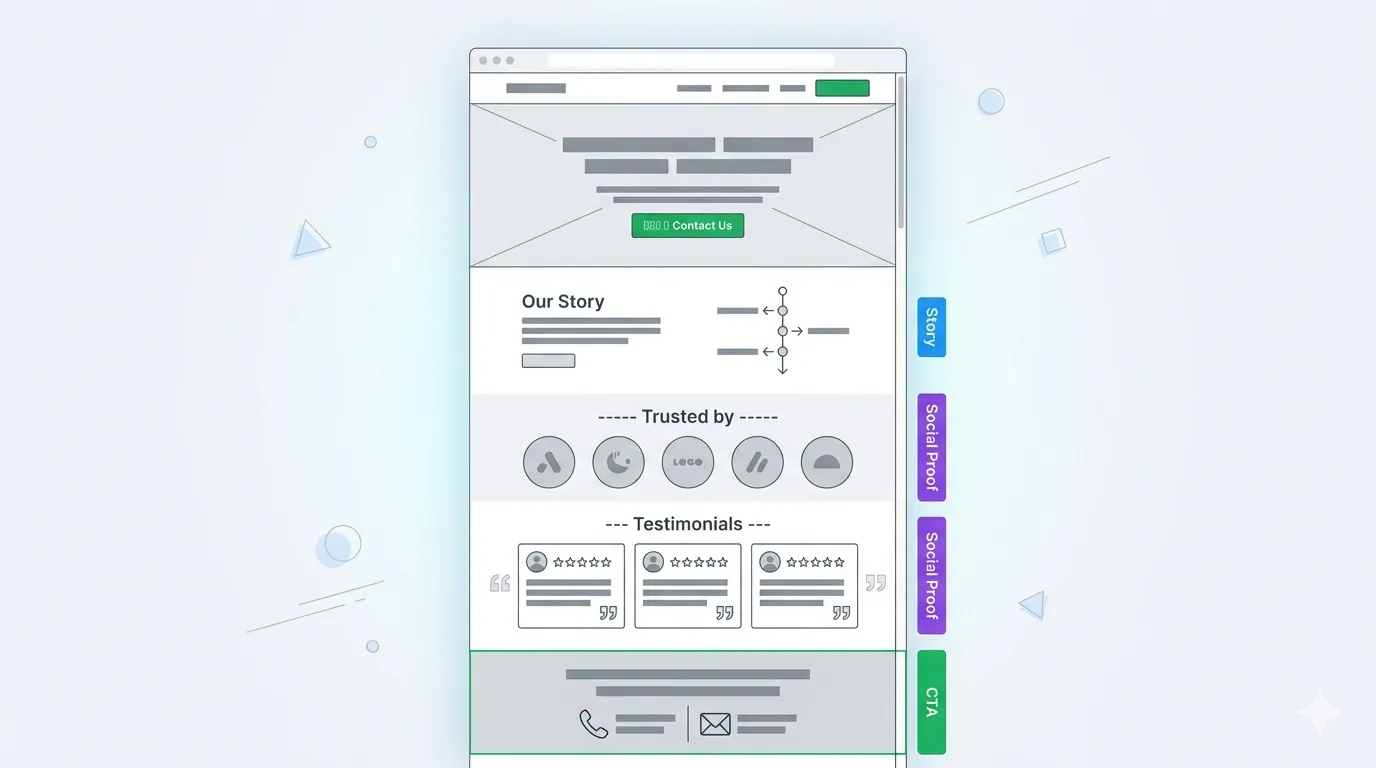
Clear value proposition: who you are, what you do, why choose you. It needs to be understandable in the first 3 seconds.
Story: people don't remember facts, they remember stories. Even if a visitor came only for a phone number — a good story can convince them to collaborate.
Social proof: testimonials, client logos, case studies. If others trust you, new visitors will too.
Call to action (CTA): even if you don't sell online — you still want the visitor to do something: call, fill out a form, book a consultation.
Example
A Pilates studio website — it doesn't sell anything online, but the entire design is built to create trust: 35 years of experience, instructor profiles, client testimonials. The CTA is "Book a Class," but the main goal is trust, not direct sales.
3. Blogs and Media Sites
News portals, magazines, personal blogs — one goal: to get people to read the content.
It sounds simple, but in terms of design, it's the biggest challenge. People today scan, not read. They scroll past, look for what's interesting, and leave if nothing catches their attention. That's why design needs to work extra hard.
What to Focus On
Article page design: this is where the action happens. Text is large enough, lines aren't too long, there's breathing room between paragraphs. Nothing extra around — just content.
Images: text alone is boring. Images break up content, attract attention, and "lure" readers into the article.
Categories and tags: the more content you have, the more important navigation becomes. Visitors need to understand what content is available and how to find it.
Share buttons: media sites grow when content is shared. Social media buttons on every article are mandatory.
Example
Think Global Health — categories are visible right at the top, the article page is clean and focused only on text. Images and quotes are placed between paragraphs to maintain attention. Share buttons are visible at all times.
4. Education and Learning Websites
Online courses, training, knowledge platforms. The goal — for people to actually learn what you want to teach them.
The main challenge isn't content. It's engagement. People are excited at the start but quickly lose interest. This problem needs to be solved with design.
What to Focus On
Engagement: how to keep someone's attention? Change formats — text, video, interactive elements, quizzes. Surprise and don't let boredom set in.
Orientation: people always need to know where they are. How much is completed? How much is left? Which chapter am I in? A table of contents or progress bar is mandatory.
Content variety: don't put everything in one format. If the course is text-only — add video. If video-only — add a quiz. Variation maintains attention.
Example
Visions for the Future — a free online course that starts with an introduction and table of contents. Text material is broken up with an interactive timeline, video interviews, and various content formats. On the right side, you can always see which chapter you're in.
5. Portfolio and Personal Website
For designers, developers, writers, photographers — everyone who needs to showcase their work. The goal is twofold: show what you can do and show who you are.
What to Focus On
Work presentation: it's not enough to just paste a screenshot. Each project needs to be presented thoughtfully — with context, visually appealing. Even if your work isn't visual (like code or writing), it needs to look good.
Personality: people don't hire a website. They hire a person. Your website needs to show who you are — your style, your approach, your energy.
CTA: what do you want the visitor to do? Send an email? Propose a collaboration? This needs to be clear.
Example
Designer Zenya Rynzhuk — work examples are visible before scrolling. She uses video to show personality — with music, movement, and energy. The page ends with a clear CTA: "Let's make something great together" and an email.
Summary
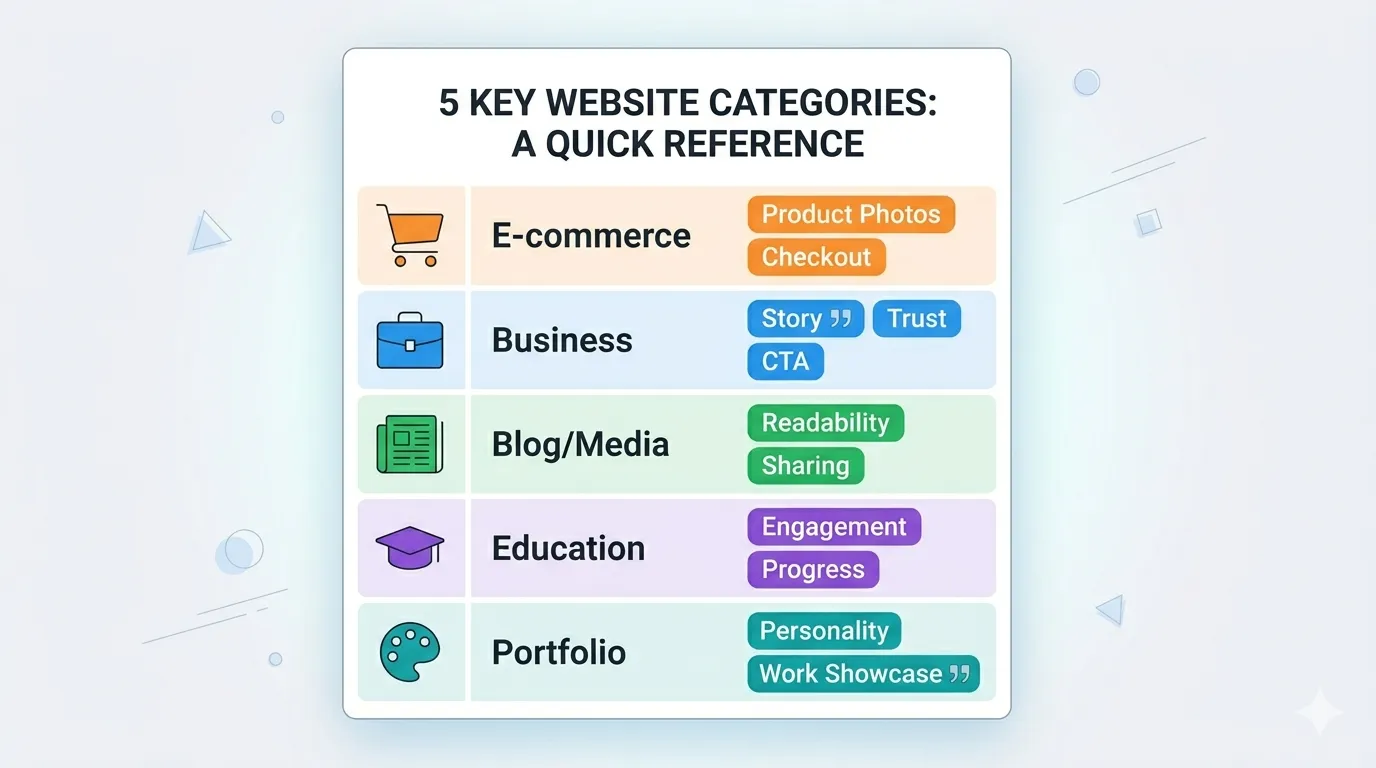
Each website type has its own goal, and design must serve that goal:
- Online store — sell. Focus on product and checkout.
- Business website — build trust. Focus on story and social proof.
- Blog/media — get readers. Focus on readability and content organization.
- Education — teach. Focus on engagement and orientation.
- Portfolio — show yourself. Focus on work presentation and personality.
Before you start building a website — first understand what its goal is. Everything else follows from that.
Want to discuss which type of website would best fit your business? Get in touch. First conversation is free.